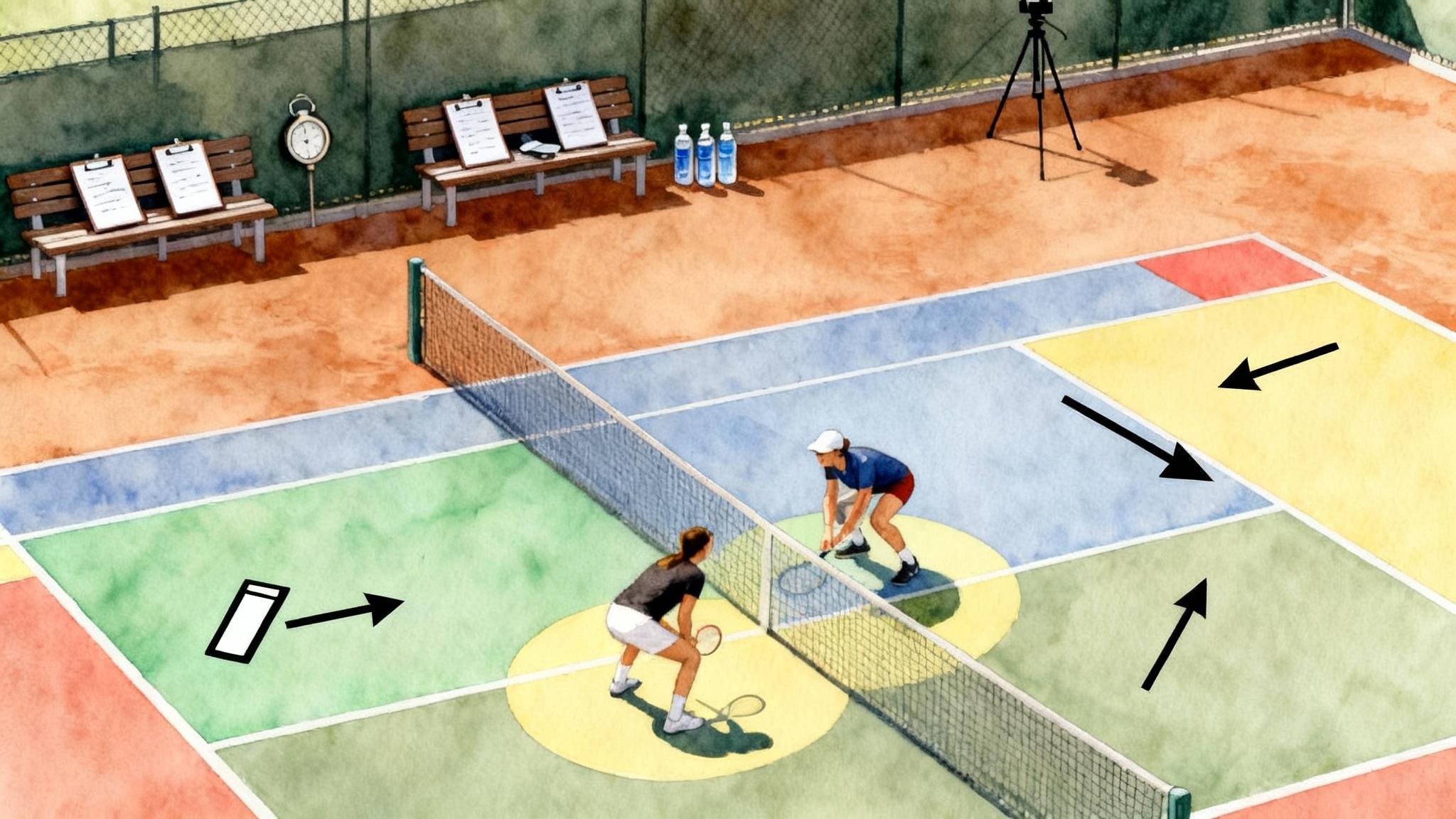
AI Tennis Video 2026: What to Film, Tag, and Train Next
Set up phone or smart-court capture in under 15 minutes, auto-tag matches and practices, and turn five metrics into next-week practice plans. A step-by-step guide for juniors, parents, and adults with sample workflows to follow.
 Tommy
Tommy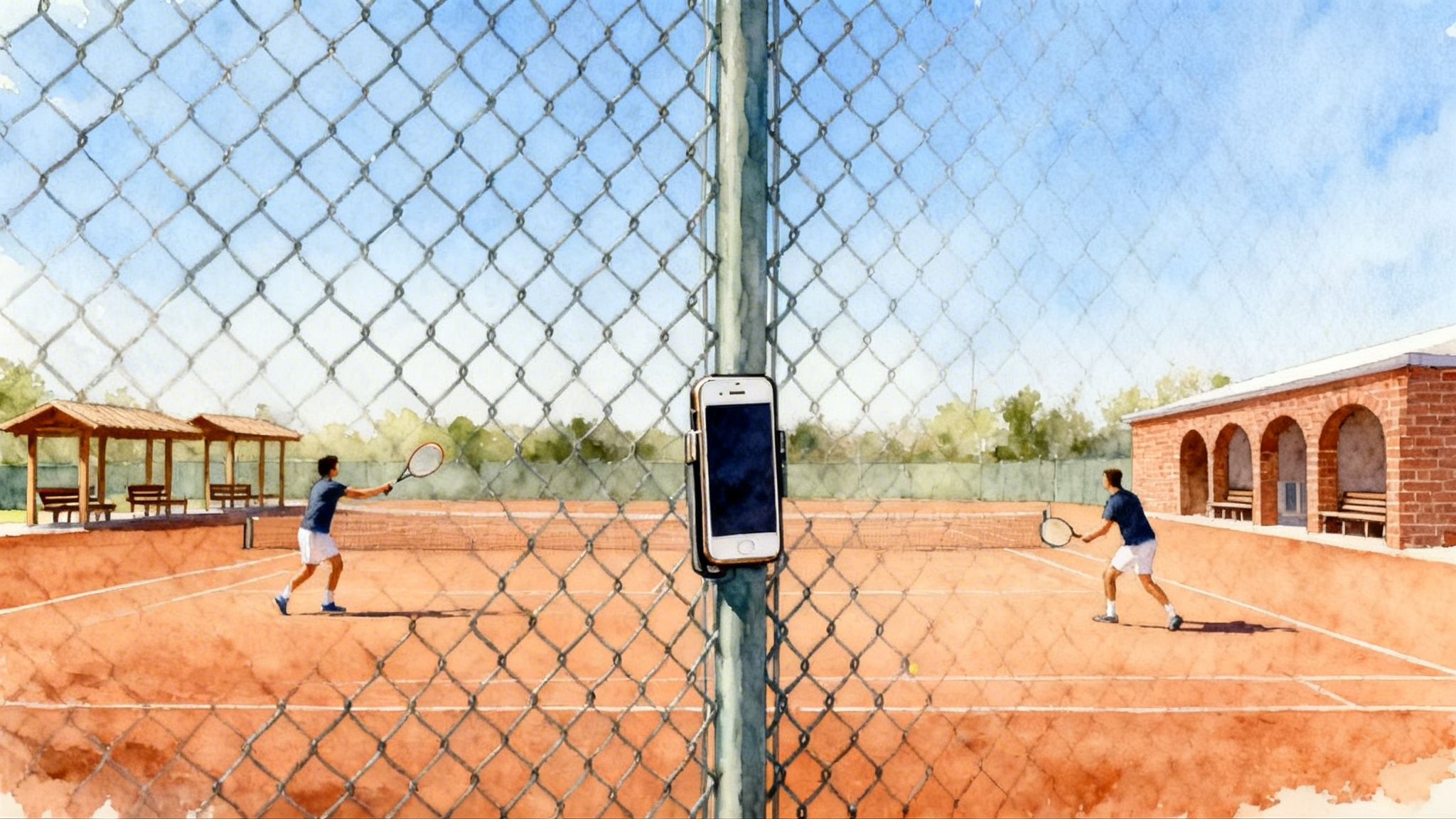
Why AI video in 2026 changes how you improve
You no longer need a production crew or a costly camera to learn from your tennis. A single phone and a modern app can auto-detect rallies, serves, ball bounces, and even estimate depth with computer vision. Tools like SwingVision’s auto-tagging for tennis let you capture, tag, and analyze without leaving the baseline. If your club has a smart court, cloud-connected systems can add multi-angle video and instant highlights that sync to your stats. If you are creating a highlight reel, see our 2026 Tennis Recruiting Video Guide.
Here is the key shift. Video is not just proof of what happened. It is a training plan generator. If you film with intention, tag the right moments, and focus on five metrics that truly move performance, you can build clear, one-week improvement blocks that compound over a season.
What to film in under 15 minutes
You have two options: your phone or a smart court. Either can be set up quickly if you plan the angle and the sample of play you want to capture.
Phone capture in 5 steps
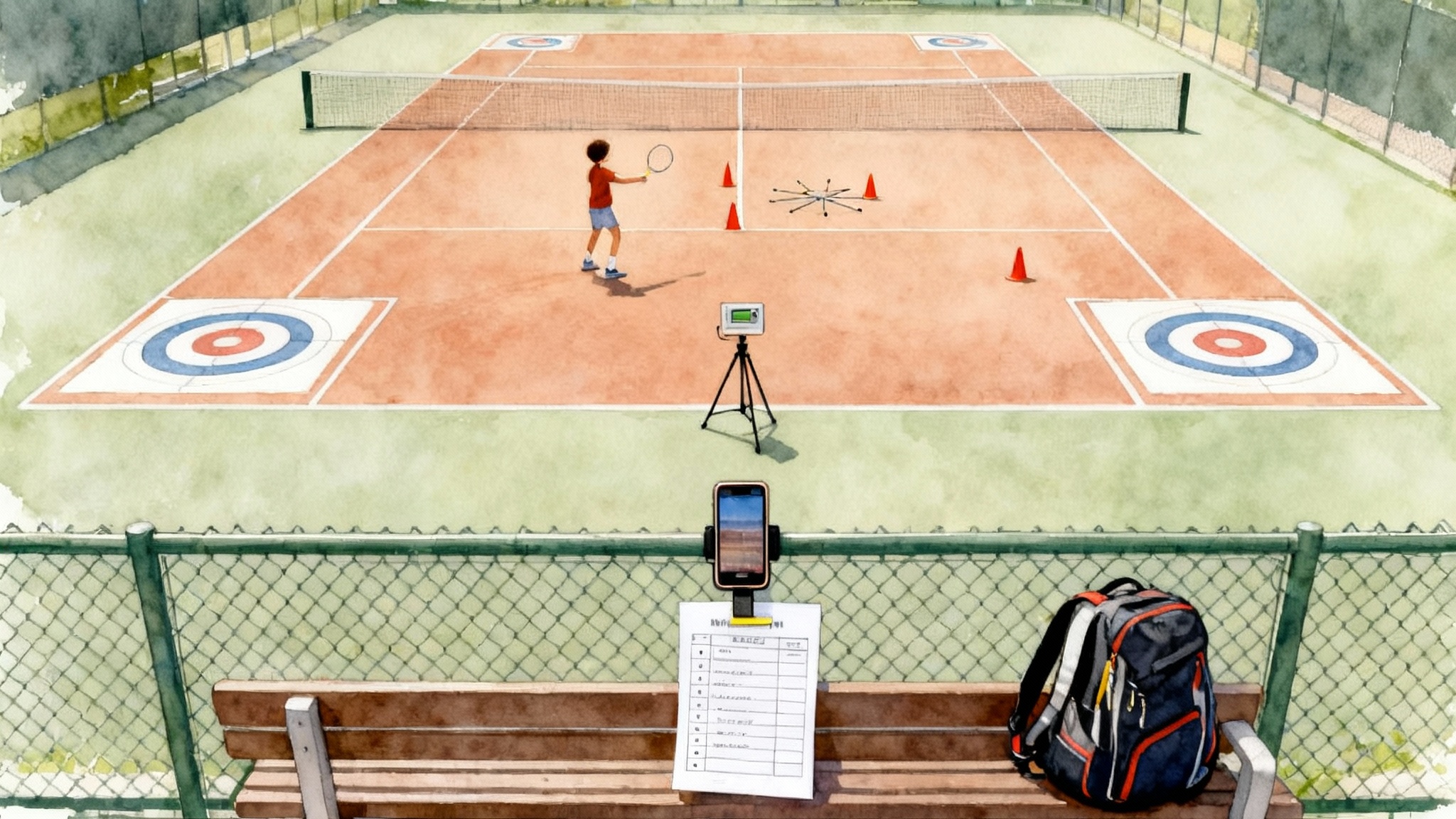
- Pick the angle: back fence, centered on the baseline. Frame both sidelines and the opposite baseline. If fencing is tight, use a fence clip or a small tripod behind the court.
- Set video quality: 1080p at 60 frames per second is ideal. If storage allows, 4K at 60 frames per second gives you crisper freeze frames for contact points. For more serve stability, review our Serve Toss Consistency Blueprint.
- Stabilize and protect: secure the phone so it cannot swing on contact. Use a simple clip and a rubber band as backup.
- Power and storage: bring a small battery pack and free at least 6 gigabytes before you press record.
- Test and tag: film 20 seconds, play it back, confirm you can see both feet and ball bounce. Start your session and enable auto-tagging in your app.
Smart court capture in 4 steps
If your facility has a sensor-based or camera-based smart court, the steps are even faster. Systems like Playsight SmartCourt setup and tagging handle angles for you.
- Sign in at the kiosk or app, choose match or practice.
- Confirm the court lines and player names. Select singles or doubles.
- Start capture and check the live preview for framing.
- After play, stop the session and let the platform process tags and highlights.
Age-specific quick-start checklists
Each group has different constraints. Here is how to get to a useful first session in under 15 minutes.
Juniors
- Goal: independence with light supervision. Capture 15 minutes of drills plus 15 minutes of live points.
- Gear: phone, fence clip, two cones for depth targets.
- Steps:
- Mount phone on back fence, center court, horizon straight.
- Open the app, enable auto-tagging of serves and rallies.
- Warm up 3 minutes, then record 12 minutes of targets: forehand and backhand to two cone zones beyond the service line.
- Record 15 minutes of live points to eleven, serving every other game.
- Save, name the session by date and opponent or drill focus.
Parents
- Goal: stress free match capture. Minimum interference, maximum clarity.
- Gear: phone, fence clip, spare battery, a pen for quick notes.
- Steps:
- Ask event staff or the other parent for permission to film from the back fence if required by venue policy.
- Mount phone mid-fence. Lock autofocus by tapping the far baseline.
- Start recording and enable scoreboard overlay if your app supports it.
- Let the app auto-tag. Avoid walking behind the camera. Keep audio on normal levels to capture ball sound for timing analysis.
- At changeovers, write one note per game such as “missed 3 first serves” or “won 2 long rallies.” This helps you cross-check the auto tags later.
Adults
- Goal: clean, repeatable data for league play and practice.
- Gear: phone, fence clip, tripod for side angle on a second day.
- Steps:
- Mount phone on back fence. If sun is behind your opponent, slightly tilt down to avoid glare.
- Enable auto-tagging and select singles or doubles.
- Record 20 minutes of point play after warm up. Do not pause between points so rally detection remains consistent.
- Stop, name the session, and flag two moments you want to revisit, such as a big point or a serve pattern.
What to tag, automatically and manually
Your app will auto-tag serves, rallies, bounces, and some outcomes. Add just four manual tags so the video turns into coaching insight rather than clutter.
- Intention: pattern you aimed for, such as “serve plus one to backhand.”
- Error type: net, long, wide, or mishit. Keep it simple so counts are reliable.
- Contact height: low, medium, or high on groundstrokes. Helps diagnose net errors.
- Pressure state: neutral, offense, or defense. This adds context to rally-length stats.
Keep manual tags to ten seconds per game so you do not miss the next point.
The five metrics that actually move your game
Many numbers look impressive. A handful change practice on Monday. Track these five every time you film and use them to script the next week.
1) First serve in percentage
- Definition: percentage of first serves that land legally in.
- How to measure: in the app, filter to serves and select first serves only. If needed, count with the on-screen rally list. Aim for at least 50 attempts to reduce noise.
- Useful benchmarks:
- Juniors 12 and under: 45 to 55 percent is common. Target 60 percent for matches.
- Juniors 14 to 16: 55 to 65 percent. Target 65 percent.
- Adults at United States Tennis Association 3.0 to 3.5 level: 50 to 60 percent. Target 60 percent.
- Adults at 4.0 to 4.5 level: 60 to 70 percent. Target 65 percent.
- Common causes of low percentage: rushed routine, flat contact on second serve, aiming too close to lines.
- One week plan when under target:
- Day 1: 3 sets of 20 first serves to deuce wide, then 3 sets of 20 to ad body. Use a four breath routine. Record the last 20 of each set on video.
- Day 3: 5 sets of 12 first serves, alternating top spin and slice. Misses repeat until you make two in a row.
- Day 5: Match serve game to nine points. First serve must be over 60 percent to “win” the game. If not, repeat.
- Cue: one target the size of a beach towel, not a dinner plate. Simpler aim raises percentage immediately.
2) Deep-ball rate
- Definition: percentage of groundstrokes that land in the last third of the court, roughly from the service line to the baseline and beyond by a step. Many apps color this as a deep zone.
- How to measure: enable court zones in the app. Filter to groundstrokes, exclude returns, and select the deep zone. Target a minimum sample of 80 balls in neutral rallies.
- Useful benchmarks:
- Baseline players: 45 to 55 percent deep in neutral exchanges keeps opponents from attacking.
- All-court players: 35 to 45 percent deep is acceptable if you also use net pressure.
- Common causes of low rate: decelerating on contact, hitting while falling back, contact too low.
- One week plan when under target:
- Day 1: Depth ladders. From the baseline, hit 10 balls that land just past the service line, then 10 that land mid backcourt, then 10 that land one step from the baseline. Repeat three times.
- Day 3: Crosscourt cage. 6 sets of 8 balls crosscourt where ball 6 to 8 must land deep. If any of those three are short, the set restarts.
- Day 5: Live points to seven with a constraint. You can only attack after you land two deep balls in the rally. This teaches patience and sequencing.
3) Rally-length tolerance
- Definition: the rally length you can sustain without your unforced error rate spiking. Think of it as your neutral heartbeat. It is best captured as the median and the 75th percentile of rally length in neutral exchanges.
- How to measure: filter out serves and returns, keep neutral rallies only. Note your median rally length and the length at the 75th percentile. That second number is your tolerance breakpoint.
- Useful benchmarks:
- Juniors 12 and under: median 3 to 4, 75th percentile 5 to 6.
- Juniors 14 to 16: median 5 to 6, 75th percentile 7 to 8.
- Adults 3.0 to 3.5: median 4 to 5, 75th percentile 6 to 7.
- Adults 4.0 to 4.5: median 6 to 7, 75th percentile 8 to 10.
- Common causes of a low breakpoint: over-pressing on ball 4 or 5, footwork breakdown under neutral pressure, breath holding.
- One week plan when under target:
- Day 1: The first four are sacred. Play crosscourt games to 15 where shots 1 to 4 must be neutral pace and height, then you can change line if you earned it with depth.
- Day 3: Metronome hitting. Rally at 18 balls per minute for 5 minutes, rest 2 minutes, repeat 3 times. Use bounce and hit calls to stabilize tempo.
- Day 5: Pattern tolerance. Play to seven where any point won after rally length 8 gives you two points. This rewards staying power.
4) Unforced-error heatmap
- Definition: a visual map of where your unforced errors occur by court location and shot type.
- How to measure: use the app’s heatmap or tag errors manually as net, long, or wide for both wings. You want a sample of at least 40 unforced errors across a week for a clear picture.
- Useful benchmarks: aim to reduce your top two error clusters by 20 percent over four weeks. Focus on clusters, not isolated misses.
- Common clusters and fixes:
- Net backhand on the run: contact is late and low. Fix with higher rally height and earlier unit turn.
- Long forehand when attacking: body speeds up more than the racquet path. Fix with a longer finish, not extra force.
- Wide forehand on inside-out change: over-rotation of hips. Fix with a three-ball pattern that finishes facing the sideline, not the back fence.
- One week plan when a cluster dominates:
- Day 1: Film a 10 minute block that only addresses this cluster. For example, 6 sets of 10 backhands with a cone target crosscourt at net height above the tape by one ball.
- Day 3: Live ball with a constraint that punishes the error. For net backhands, you lose two points if the ball hits the tape. This adds consequence.
- Day 5: Point play to nine but you get a bonus point for a clean solution, such as a backhand that clears the net by two balls and lands deep.
5) First-step burst time
- Definition: the time from your opponent’s contact to your first committed movement. In practice, measure from opponent impact to the instant your split step lands or your first step leaves the ground.
- How to measure: record at 60 frames per second or higher. Count frames between opponent contact and your split landing or push-off, then divide by the frame rate. Do this on 10 points and average.
- Useful benchmarks:
- Elite movers: 0.20 to 0.30 seconds.
- Competitive club players: 0.35 to 0.45 seconds.
- Over 50 years old: add 0.05 to 0.07 seconds as a realistic range.
- Common causes of slow first step: split timing too early or too late, watching the flight instead of the opponent’s swing, flat footed recovery.
- One week plan when over target:
- Day 1: Opponent-cued splits. A partner says “hit” at their contact. You land your split exactly on that word. 5 sets of 60 seconds on, 60 seconds off.
- Day 3: Color call react. Feed two random colored cones as cues after your opponent strikes. You must move first step toward the named color within 0.35 seconds. Film to verify.
- Day 5: Serve plus first step. After your serve lands, your partner blocks the return left or right. You time the split to their contact and explode to your first step. 6 sets of 8 points.
Sample workflows from Legend Tennis Academy measurable-skill pathway
Below are sample workflows that illustrate how an academy can turn video into actions. Use them as templates and adapt to your level.
Junior pathway: Bronze to Silver badge
- Session capture: 15 minutes of depth ladders, 15 minutes of live points. Auto-tag rallies and depth zones.
- Metrics for the badge: deep-ball rate at 45 percent in neutral, rally-length tolerance 75th percentile at 7, first-serve in at 60 percent.
- Review flow:
- Open the session, filter to neutral rallies, verify the deep zone tags for a random 10 points.
- Check rally-length percentiles and write the breakpoint on a sticky note.
- Watch three long rallies and label the pressure state for each shot.
- Next-week plan:
- Two depth days using ladders and crosscourt cage.
- One rally-tolerance day with first four are sacred rules.
- One serve day with 3 sets of 20 to deuce wide and ad body.
- Progress check: repeat the same filming recipe the next week and compare the deep-ball rate and tolerance breakpoint. If both hit the badge target, move to Silver drills that layer in pattern play.
Parent assisted match capture
- Session capture: full match with minimal manual tagging. Scoreboard overlay on. Parent notes one key pattern per set.
- Metrics to pull: first-serve in percentage, unforced-error heatmap by shot, rally-length tolerance.
- Review flow:
- Scrub only the big points at 30 all, deuce, and tiebreaks. Confirm first-serve percentage on those points versus the full match.
- Open the error heatmap and identify the top two clusters by location and shot.
- Check the 75th percentile rally length in neutral.
- Next-week plan:
- If first-serve percentage in big points is under the match average, add a pre-serve breath and a bigger target on Day 1.
- If a single cluster dominates the heatmap, script Day 3 to attack that cluster with a constraint drill.
- If tolerance breaks at 6 shots, Day 5 uses metronome hitting and two deep before you attack rules.
Adult 4.0 weekly blueprint
- Session capture: 20 minutes of point play from the back fence. Optional second angle on the side for serves the next day.
- Metrics to pull: deep-ball rate, first-step burst time, and unforced-error heatmap.
- Review flow:
- Verify 10 random deep tags against the video to confirm zone accuracy.
- Time 10 first-step bursts and average them.
- List the top two error clusters and the rally lengths where they happen.
- Next-week plan:
- Monday: depth ladders and crosscourt cage for 25 minutes.
- Wednesday: opponent-cued splits and serve plus first step for 20 minutes.
- Friday: point play with two deep before attack and a two-point penalty for your dominant error cluster.
- Progress check: update your personal benchmarks each Friday and text the three numbers to your hitting partner. Accountability keeps the plan honest.
Turn video into a next-week plan in 10 minutes
Here is a simple recipe you can run after any session.
- Pick two metrics that underperform. Use the benchmarks above.
- Write one cause you believe is driving the number. Keep it mechanical, not emotional.
- Choose one drill that targets the cause and one constraint that guards against the old habit.
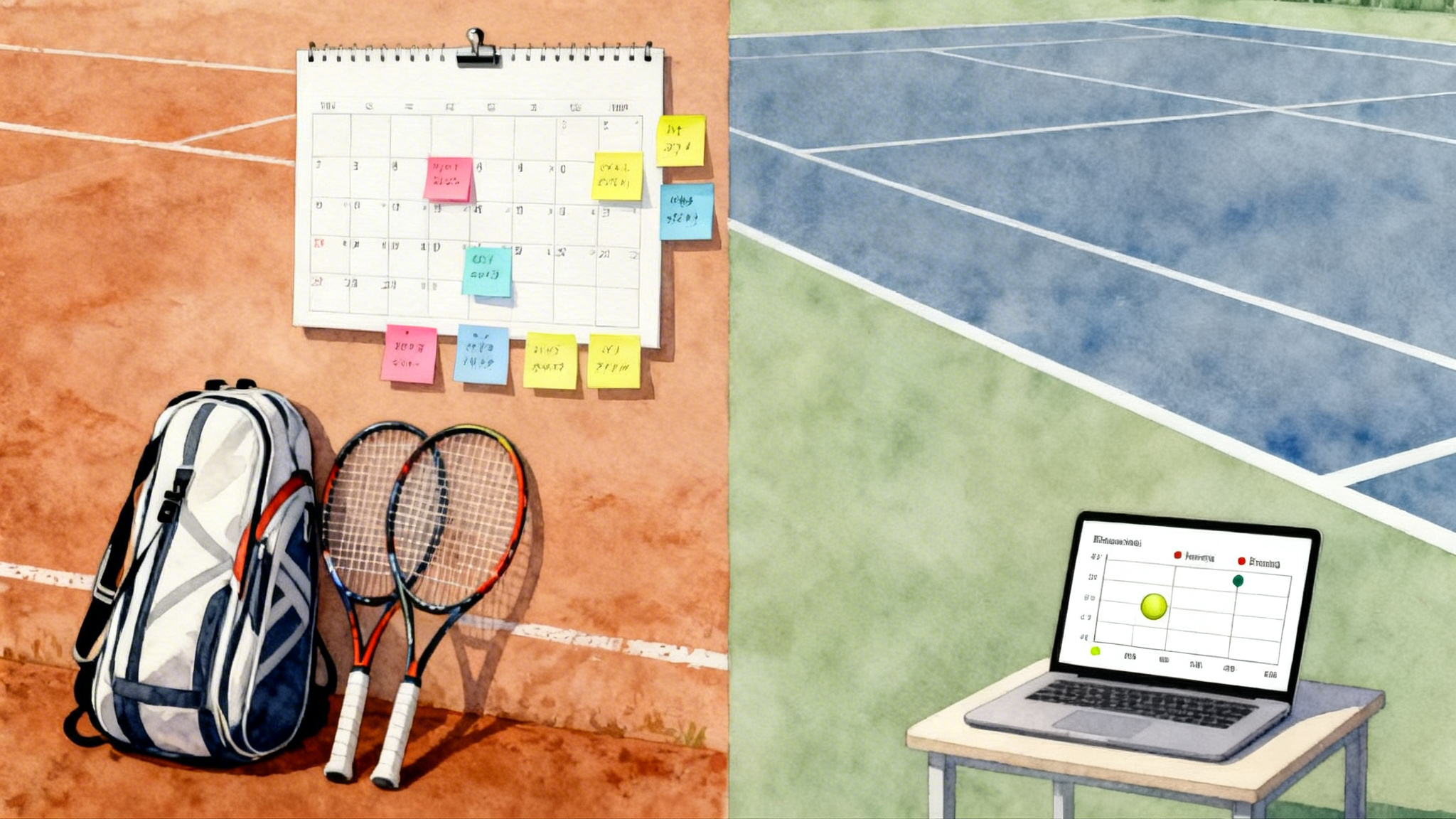
- Put the drill on the calendar. If it is not scheduled, it is not real.
- Add a pass or fail rule so you know when to stop. For example, two sets in a row at 65 percent first serves in.
If your app allows, clip three example points that show both the problem and the fix. Share those clips with your coach or hitting partner. One clear clip beats a page of notes.
Common pitfalls and how to avoid them
- Filming too close: if the ball exits the frame, move the phone back until both sidelines and the opposite baseline are always visible.
- Tiny targets: small cones near lines look disciplined but they reduce first-serve percentage immediately. Use towel-sized targets.
- Tag overload: five manual tags feel good in the moment but blur the data later. Keep the four listed earlier and skip the rest.
- Small samples: judging a metric from one tiebreak invites bias. Collect at least 50 serves, 80 neutral balls, or 40 unforced errors before you declare a conclusion.
- Ignoring context: measure rally-length tolerance only in neutral exchanges. Mixing in offense and defense hides the real breakpoint.
Quick answers
- Do I need a tripod? No, a sturdy fence clip is fine. Use a tripod only for a side angle or on courts without good fencing.
- How many points should I analyze? Start with the first set or the first 20 minutes of practice. That usually gives enough of each metric without fatigue skew.
- Can I film doubles? Yes. Mount at center back and widen the field. For returning skills, see our Return of Serve Blueprint.
- What if my app mis-tags a few points? Randomly audit ten points per category. If 8 of 10 are right, your sample will hold. Correct the obvious misses and move on.
A clear, quiet advantage
Video in 2026 is not about collecting highlights. It is a training engine that turns a phone on a fence into practice that fits on a calendar. When you film from the right angle, keep your tags simple, and track five meaningful metrics, you create an honest feedback loop that writes your next week for you. The result is not magic. It is the steady, short walk from numbers to habits to wins.