2026 Tennis Recruiting Video Guide: Shot List, Angles, Stats
A step-by-step, smartphone-first playbook to plan, film, edit, and share a standout college recruiting video. Exact camera placements, ideal clip lengths, verified metrics, quick edits, a printable checklist, and an email template.
 Tommy
Tommy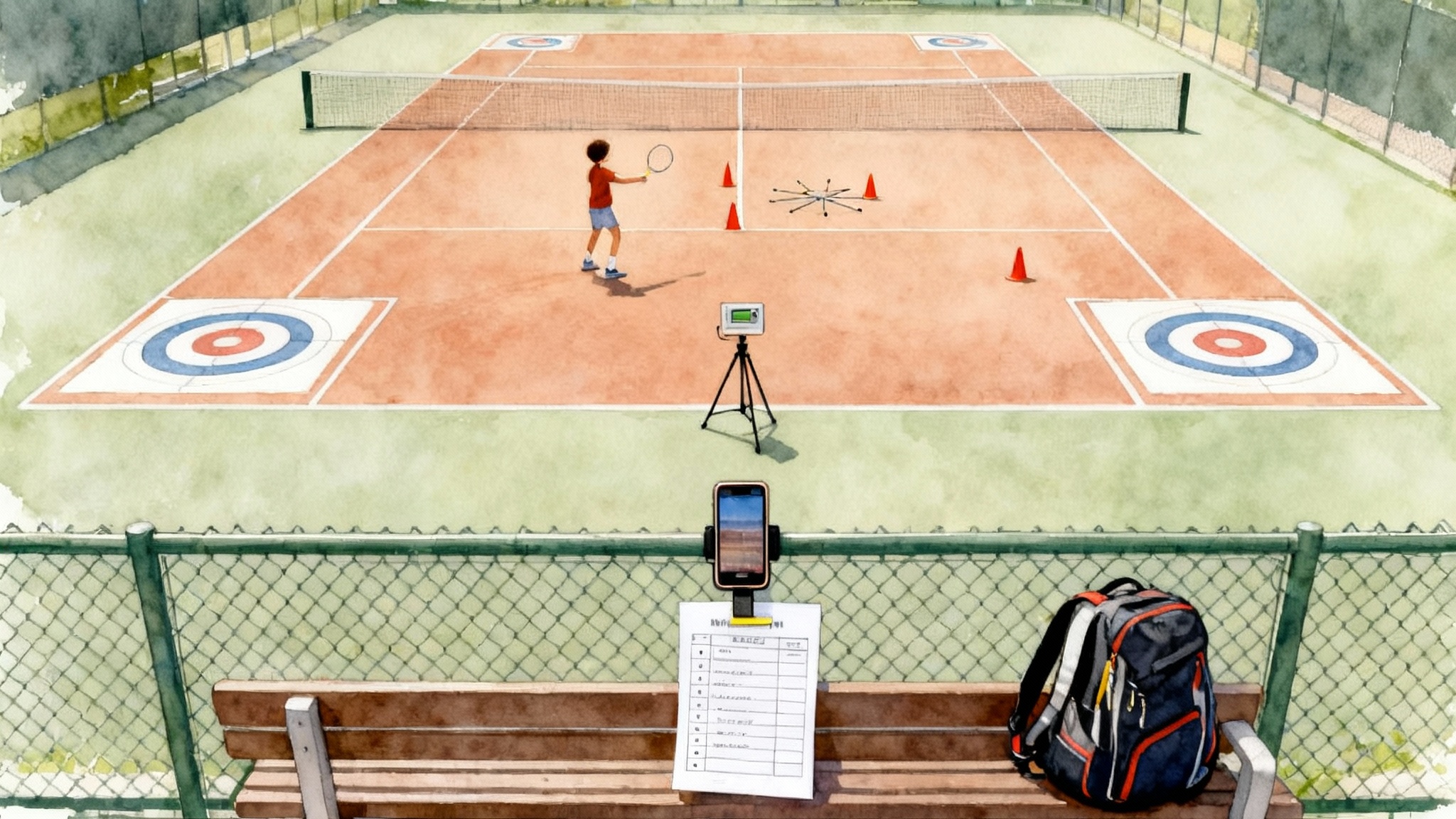
Read this before you hit record
A great recruiting video does two jobs fast. It shows how you actually play, and it signals that you are organized and coachable. The good news for 2026 is that a modern smartphone, a fence mount, and a simple plan are enough. Keep it authentic, clear, and concise. Dress in match kit, use new balls, and film on a clean court in steady light. If the wind is howling, wait a day. If you must film, protect your microphone with a small windscreen.
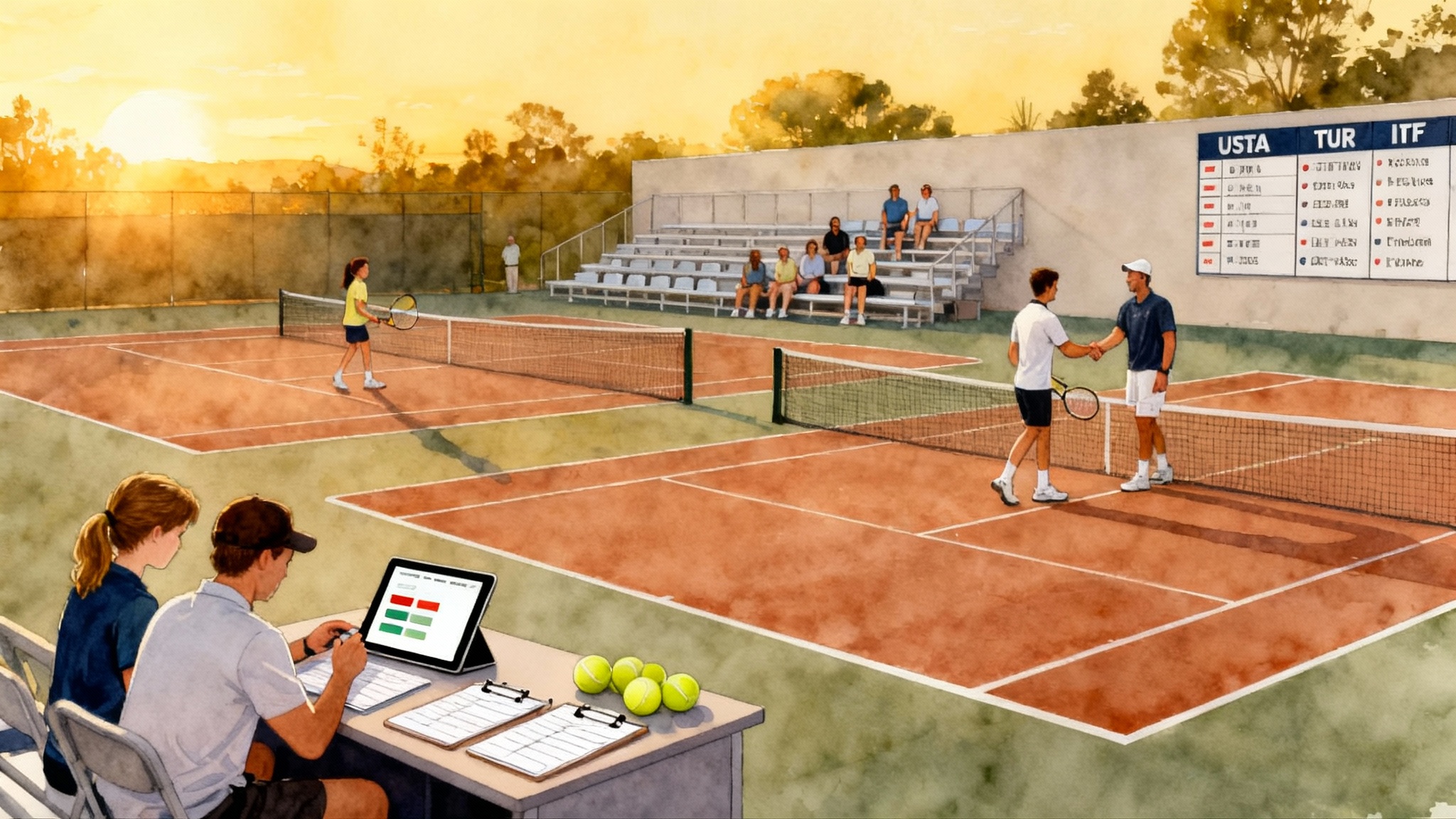
Two rating systems frame how coaches scan your video. World Tennis Number, often shortened to WTN, is the global rating from the International Tennis Federation. If WTN is new to you, read the official explanation of how World Tennis Number works. Universal Tennis Rating, often shortened to UTR, is widely used by college programs in the United States. If you need a refresher, this page outlines what UTR measures. For a practical comparison that helps you pick events and set targets, see our internal primer on UTR vs WTN in 2026 guide.
Use those ratings to set expectations for your video. Ratings do not replace live evaluation, but they help a coach decide which five minutes to watch today.
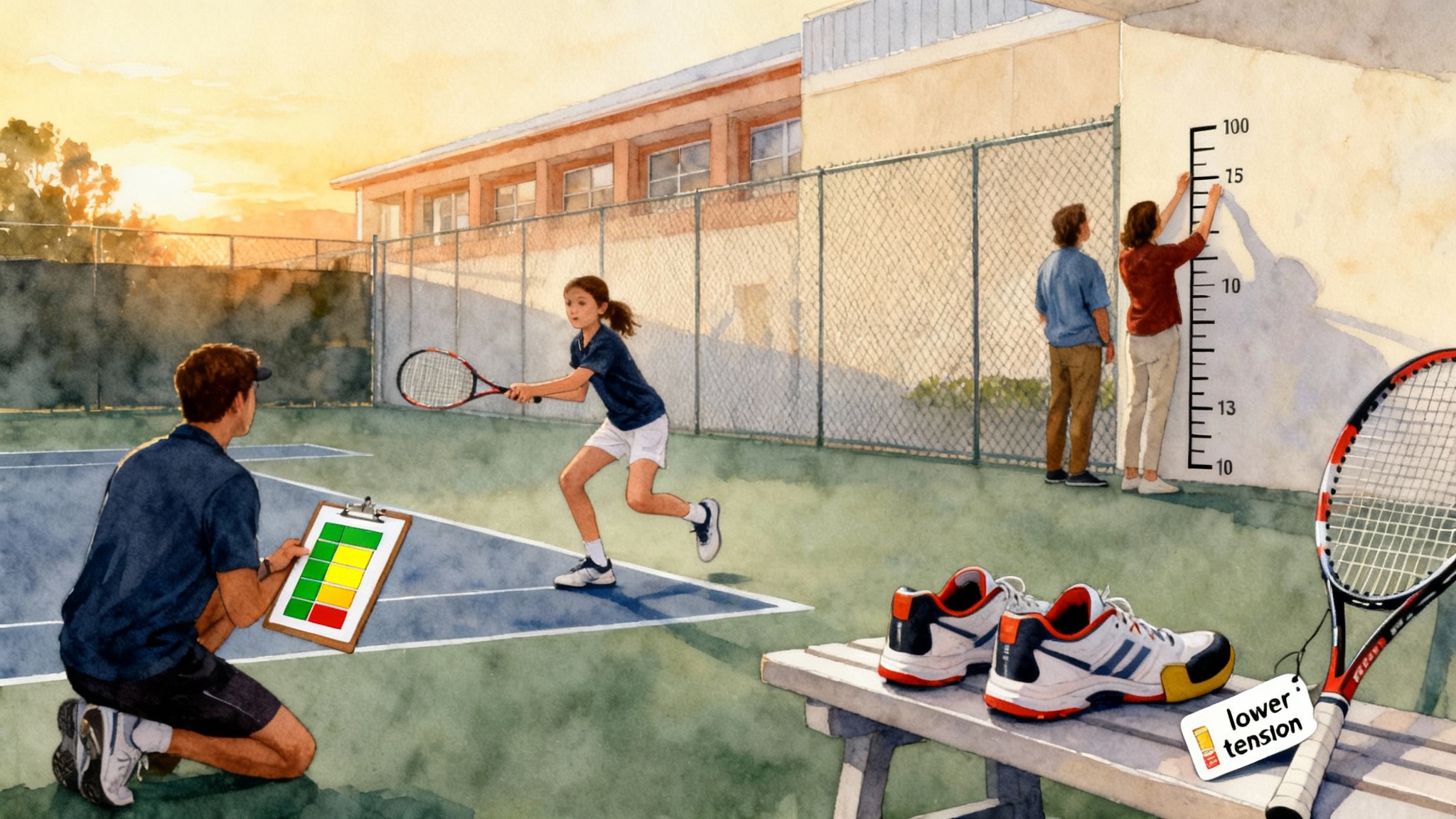
What coaches want to see at different WTN and UTR ranges
Below are practical guidelines, not hard rules. If you are between bands, combine elements.
- WTN around 20 to 14 or UTR roughly 4 to 7: Show clean fundamentals. Coaches want to see consistent rally tolerance, sound grips, balance, and repeatable contact. Prioritize crosscourt depth, ability to hit 15 to 20 balls without breaking down, and basic serves to the body and the corners.
- WTN around 13 to 7 or UTR roughly 8 to 10: Show patterns and problem solving. Include serve plus one combinations, backhand down the line changes, forehand inside out patterns, and returns that neutralize first serves. Demonstrate early preparation and court positioning that pressures the opponent.
- WTN 6 and better or UTR 10 and above: Show weapons and how you finish points. Include heavy first serves with placement, second serves that hold up under pressure, returns that attack, transition patterns to net, and point construction that adapts mid rally. Uncut points are essential here.
Use a short on screen title card with your name, grad year, dominant hand, height, WTN, UTR, and contact info. Then get straight to ball striking.
Your one page plan for the day
Your final package will have two parts:
- A five to seven minute highlight with drills and short segments of point play.
- An add on of uncut competitive points. One full game on your serve or a complete tiebreak is perfect.
Order inside the highlight:
- Title card, three seconds
- Groundstrokes and volleys, about two minutes
- Serves and returns, about two minutes
- Point play, about one minute
- Verified metrics, about one minute
- End card with contact and links, three seconds
Keep it tight. No slow motion except when you need a single two second replay of a key contact. No background music, or keep it very quiet.
Exact camera placements and a precise shot list
General setup
- Phone orientation: horizontal 16 by 9.
- Resolution: 1080p at 60 frames per second. If your device and storage allow, 4K at 60 frames per second is excellent.
- Exposure and focus: long press to lock. Tap slightly darker than your subject to preserve detail.
- Height and distance: prioritize an unobstructed, stable view where the ball flight is easy to track.
Use a fence mount or tripod. If you film through the fence, bring the phone close to the mesh to blur it out. Clean the lens. Turn on airplane mode and do not disturb.
Serve
- Back view placement: center line behind the server, three to four meters behind the baseline, camera height about two to three meters. If you have only a fence mount, place it near the center and as high as possible. This angle shows ball toss, contact, and serve shape.
- Side view placement: deuce side, one meter outside the singles sideline, camera at about 1.3 meters high aimed chest high at the server. This angle shows knee bend, shoulder over shoulder action, and contact height.
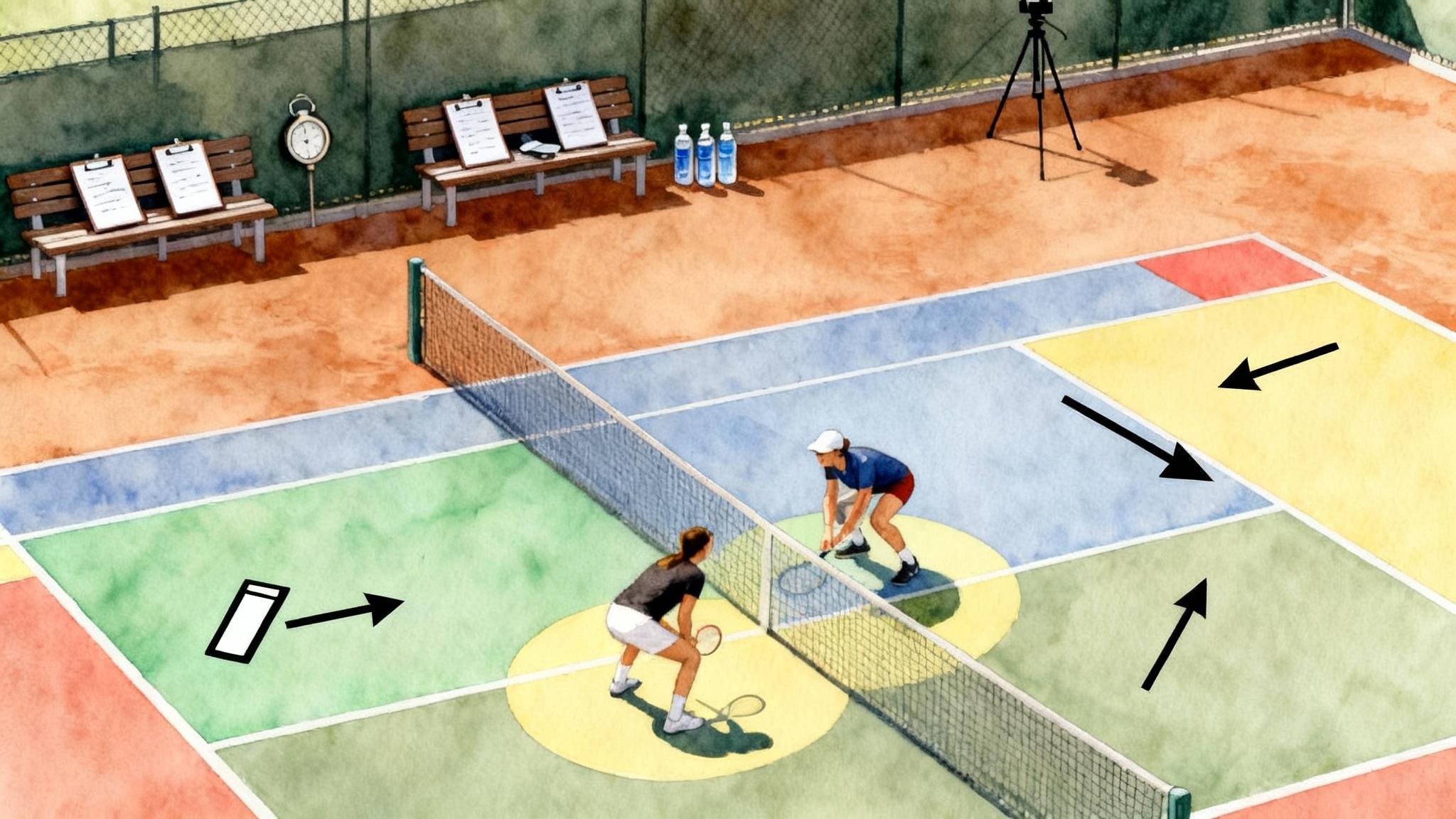
- Clips to capture: six first serves deuce, six first serves ad, six second serves mixed, six serves targeting body and wide. If you can hit locations, tape two flat circles on the service box for wide and T serves. Show makes and misses without editing between attempts.
Forehand and backhand groundstrokes
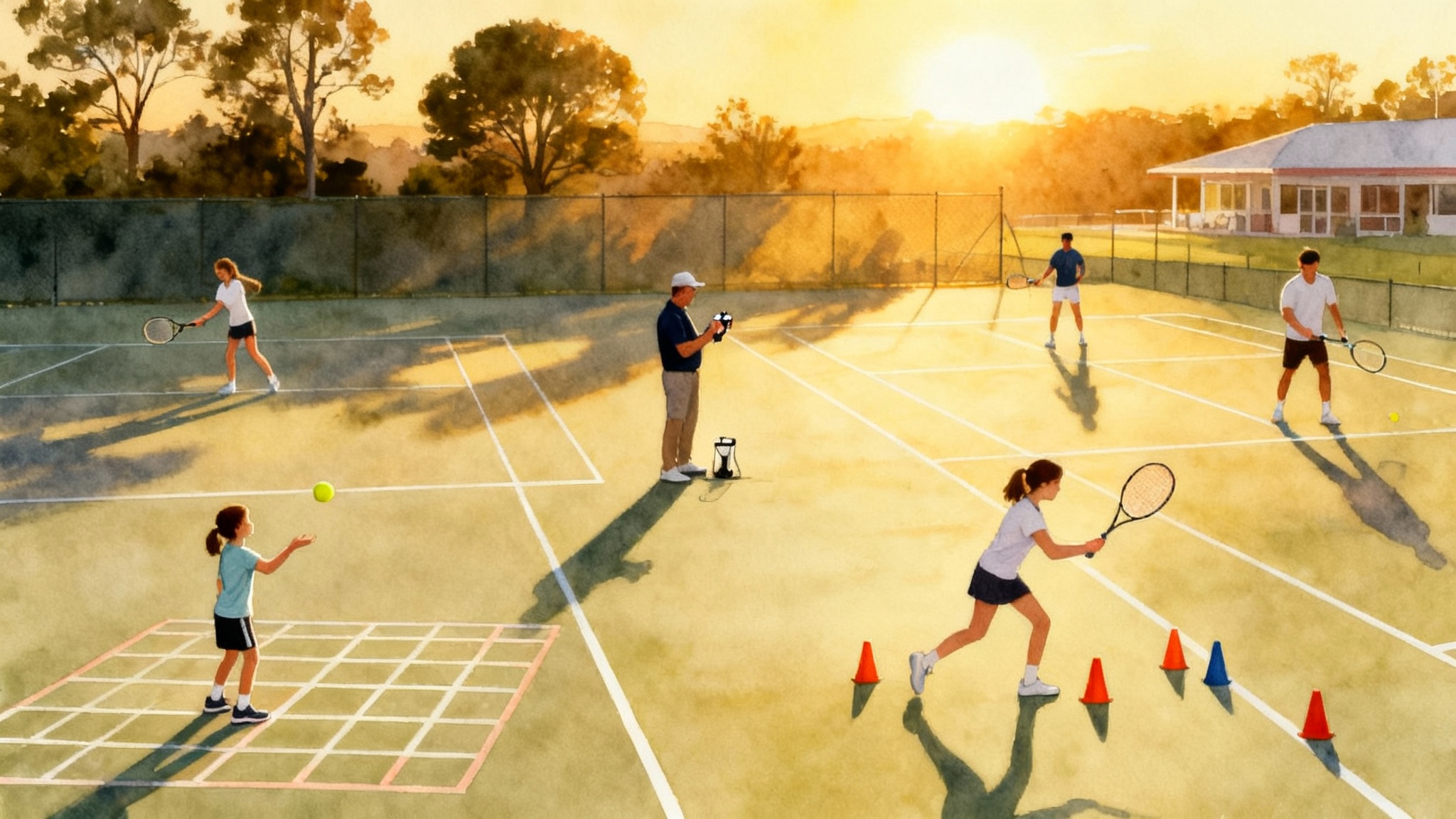
- Primary placement: behind your baseline, centered, camera two to three meters high. Distance back depends on space, aim to capture the entire opposite court within frame.
- Secondary placement: backhand corner looking across the diagonal. This creates depth cues without hiding footwork.
- Clips to capture: 20 ball forehand crosscourt rally, 20 ball backhand crosscourt rally, 10 ball forehand down the line, 10 ball backhand down the line, 10 alternating crosscourt to down the line. Keep the rally continuous. Do not cut between shots.
Returns
- Placement: same as serve back view but behind the returner. For variety, include a low side angle one meter behind the service line to show split step timing.
- Clips to capture: six returns deuce, six returns ad, mixed first and second serves. Show depth and direction. No edits within a six ball set.
Volleys and overheads
- Placement: behind your baseline at two meters height or higher. If you have a second device, place a low camera near the net post to show hands and feet.
- Clips to capture: three approach plus first volley patterns on deuce and ad, six forehand and six backhand reaction volleys from the service line, five overheads from the middle, three wide overheads chasing back. Keep each micro set continuous.
Point play
- Placement: the high behind view wins here because it looks like the broadcast angle. If you cannot get height, step farther back to widen the view.
- Clips to capture: 10 to 12 competitive points uncut. If you cannot get a practice set, film a supervised practice tiebreak. Announce the score before the first point on camera. Show both serving and returning points.
Pro tip: bring a small whiteboard or a simple printed scorecard and place it near the fence within frame. If not, overlay subtle score text in editing.
Ideal clip lengths and pacing
- Groundstrokes: three sequences of 20 balls and two of 10 balls. About 90 seconds total.
- Volleys and overheads: three short sequences totaling 45 to 60 seconds.
- Serves: four sequences of six balls. About 60 to 75 seconds.
- Returns: two sequences of six balls. About 30 to 40 seconds.
- Point play: 10 to 12 points. About 60 to 90 seconds depending on rally length.
- Metrics: 45 to 60 seconds.
Trim only dead time between sequences. Do not trim inside sequences unless the camera shakes or a ball rolls through your frame. Keep cuts simple. Straight cuts are more credible than flashy transitions.
Smartphone capture settings and on court setup
- Resolution and frame rate: set 1080p at 60 frames per second. The extra frames make fast swings clear and help coaches see ball contact.
- Field of view: avoid extreme wide angle. On iPhone, use the 1x lens rather than ultra wide for tennis unless you are very close to the fence.
- Brightness: avoid backlit shots. If the sun is low behind the opponent, rotate courts or wait for consistent light.
- Stabilization: use a clamp on a fence, a mini tripod on the bleachers, or a shelf mount on the back fence. Handheld is not acceptable.
- Audio: let court sounds live. If wind is a problem, add a small foam cover to your phone microphone or film with the mic pointed away from the wind.
- Storage and battery: clear 10 gigabytes, bring a battery pack, and disable background sync that can halt recording.
Accessories that help without breaking the bank: a simple metal fence clip, a compact tripod, and a small folding step stool if you need height behind the back fence.
Verified metrics that earn trust
Numbers help only when they are measured and shown honestly within the video frame. Add a separate metrics section toward the end of your highlight, then include the raw attempts in your uncut footage if you like.
Serve speed
- Tools: a pocket radar or club speed system. The key is to show the radar display on camera while you serve. For strength and durability around this test, consult our safe serve speed plan.
- Setup: place the radar on a small tripod just behind the baseline centered on the ball flight. Frame your camera to include both your contact and the radar display. If that is not possible, film a two camera split or have a helper hold the radar so the display is visible.
- Protocol: hit six first serves and six second serves. Keep all attempts. Call out the target corner before each serve. Leave the camera running between serves. When done, step to the camera and read back the highest and average of the best three. On screen text can show “First serve average 103, top 107” or similar. Use your actual numbers.
Movement tests
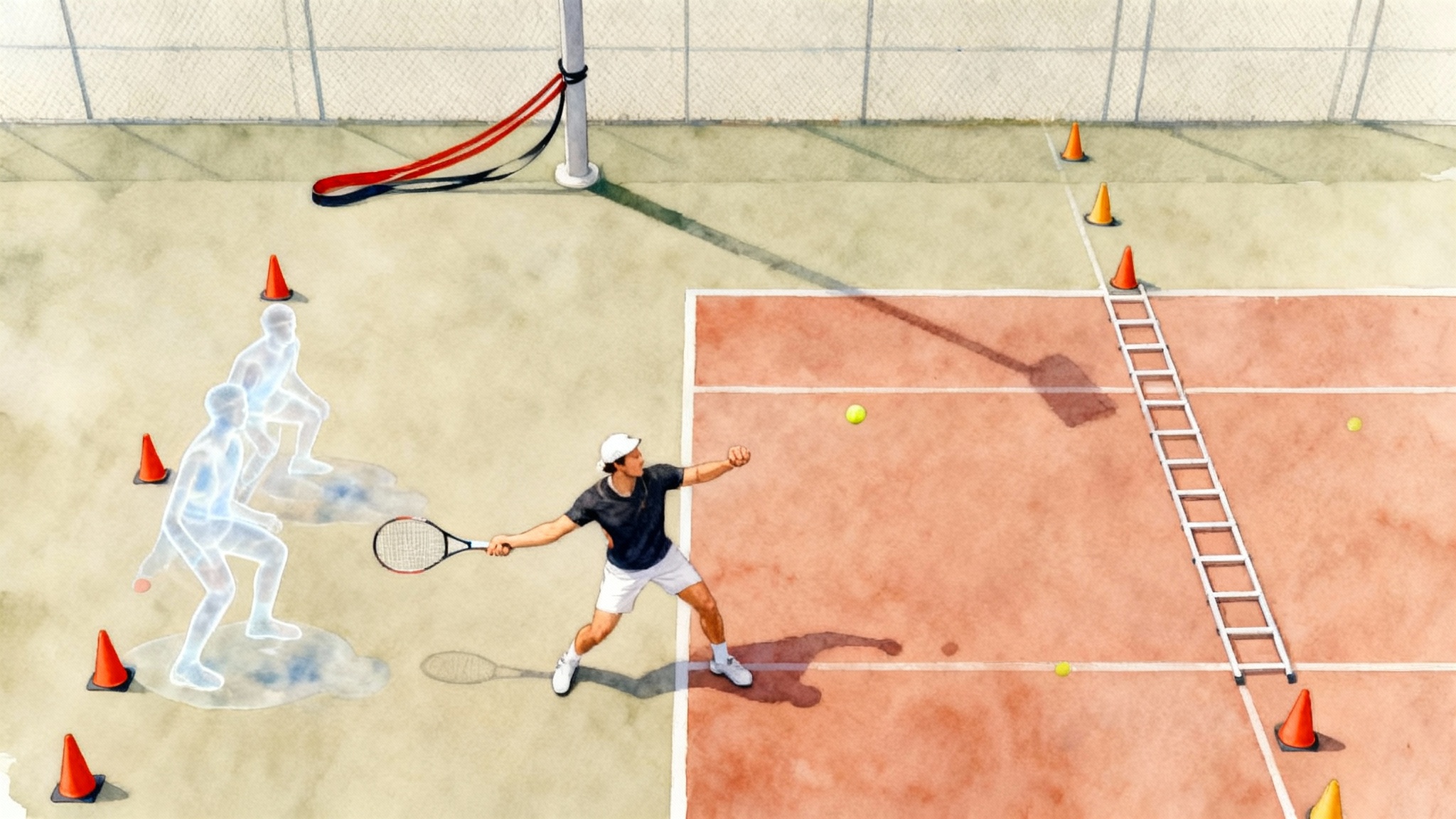
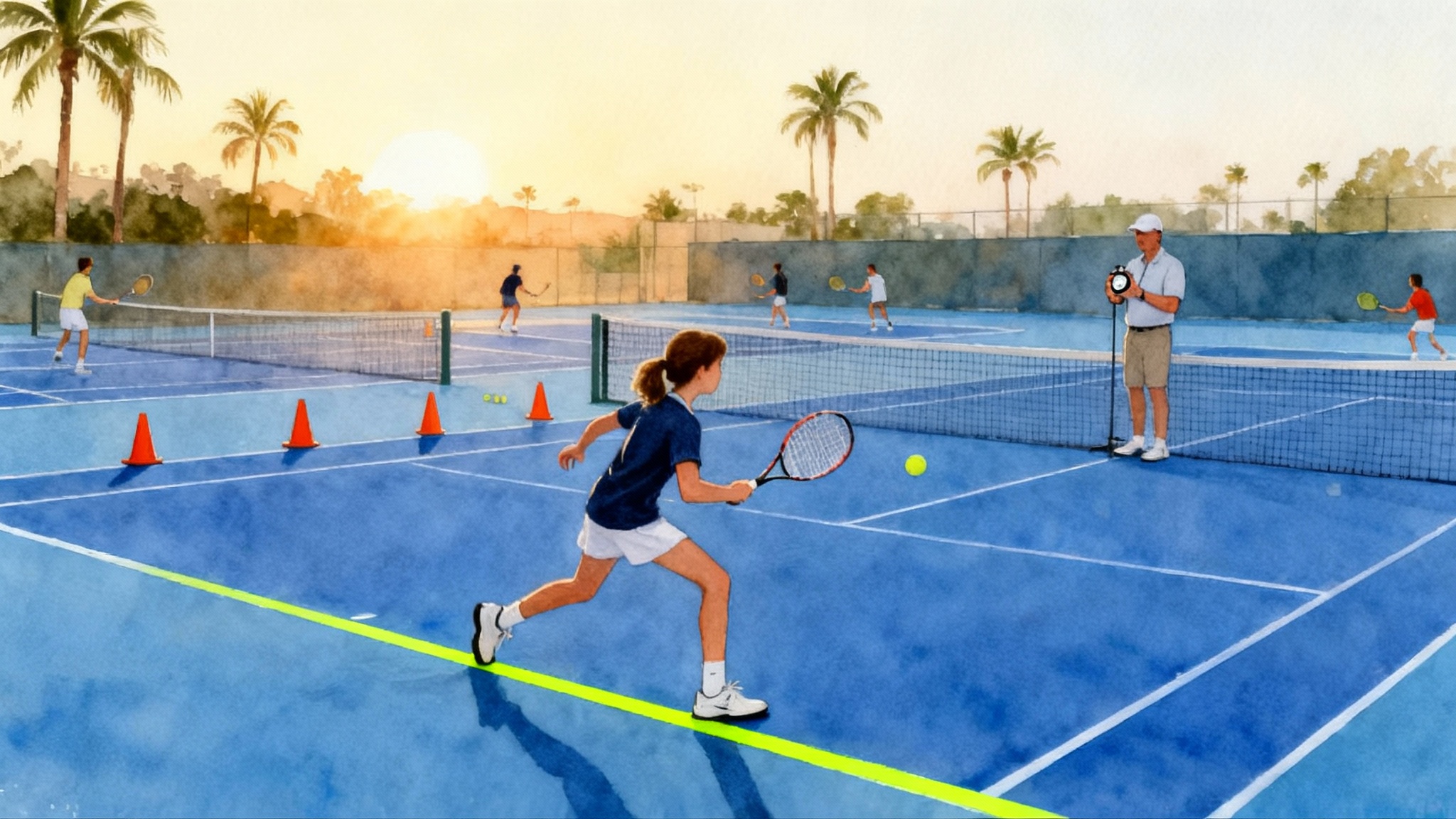
- Spider drill: mark five cones, one at the center mark, one at each singles sideline at the service line, and two near the corners just inside the baseline. Start with a foot touching the center cone, touch each cone and return to center as fast as possible. Time with a visible stopwatch app held in frame by a helper. Show the final time on camera and add on screen text.
- Five zero five change of direction: place cones at zero, five meters, and ten meters on the doubles alley. Start at five meters facing the baseline, sprint to zero, turn, sprint through ten. Time with the stopwatch visible. Two attempts each side. For context on braking and angles, read our guide on deceleration and change of direction.
- Twenty meter sprint: measure twenty meters with a tape and chalk. Use a standing start on the service line extension, sprint through the mark. Keep the timer in frame.
General credibility tips
- Keep attempts continuous and uncut. If you must reposition the camera, announce it on camera.
- Say the date, location, and the name of the supervising coach before the set begins.
- Place small printed signs on the fence with the test name to help coaches scrub the video timeline quickly.
Quick edits with free apps
You do not need a full editing suite. Two fast options on both iOS and Android are CapCut and VN. iMovie on iPhone is simple if you want minimal tools.
Editing recipe
- Create a new project, import your clips, and sort by sequence.
- Trim ends so each sequence starts one second before the first ball and ends one second after the final ball.
- Stabilization: avoid strong filters. If the clip wobbles, cut it and refilm.
- Color: leave it natural. Increase exposure slightly if the ball is hard to see.
- Text: add small titles in the lower left that read “Forehand crosscourt, 20 balls” or “First serves deuce, 6 balls”. For metrics, use a clean font and include the number, the unit, and whether it is average or best.
- Audio: keep court sounds. Lower any background music to near silent.
- Export: 1080p at 60 frames per second, high bitrate.
Optional extras that do not distract: a thin white line to indicate the baseline in fence angle footage, a simple speed readout over serves, and chapter markers if your host supports them.
Hosting and sending it well
For most families, an unlisted YouTube link is the simplest. Vimeo and Google Drive also work. Unlisted means only people with the link can view. Avoid heavy download requirements and do not require passwords.
- Title format: Firstname Lastname, Class of 2027, Recruiting Video, February 2026.
- Description: include WTN, UTR, dominant hand, height, coach contact, and chapter timestamps such as 0:00 title, 0:03 groundstrokes, 2:00 serves, 3:30 returns, 4:00 points, 5:15 metrics, 6:00 contact.
- Thumbnail: pick a clear contact frame with your face visible.
- Captions: auto captions help search and accessibility.
- Add a separate link in the description to your uncut game or practice tiebreak.
Email template you can copy
Subject: Firstname Lastname, Class of 2027, recruiting video and schedule
Coach Lastname,
My name is Firstname Lastname. I am a Class of 2027 player interested in your program. My current World Tennis Number is 8.6 and my Universal Tennis Rating is 9.2. I have included a five minute skills reel and an uncut tiebreak below.
Recruiting video highlight: [paste unlisted link]
Uncut points: [paste unlisted link]
Quick facts
- Height and weight: 5’8”, 145 lbs
- Dominant hand and backhand: right handed, two handed backhand
- Strengths: first serve placement, backhand down the line, transition to net
- Recent results: quarterfinalist at Sectional L5 in January, win over player with WTN 8.0
- Upcoming schedule: City Open L4 on March 6 to 8, Spring Classic L3 on April 18 to 20
If helpful, I can share a full match video and training references. Thank you for your time.
Best regards,
Firstname Lastname
City, State
Mobile: 555 555 1212
Email: firstname.lastname@example.com
UTR profile and WTN profile available on request
Please follow National Collegiate Athletic Association and National Association of Intercollegiate Athletics contact rules for your year. If I have reached out too early, I will follow up through the appropriate channels.
Printable shot checklist
Use this to plan your day and to make sure you do not forget a key angle. Print it and tape it to your bag. We also provide a clean one page version at our internal link: printable shot checklist.
- Title card: name, grad year, WTN, UTR, contacts
- Groundstrokes, back view: 20 forehand cross, 20 backhand cross, 10 forehand down the line, 10 backhand down the line, 10 alternates
- Groundstrokes, corner view: 10 forehand cross, 10 backhand cross
- Volleys: three approach plus first volley patterns, six forehand reaction, six backhand reaction
- Overheads: five middle, three wide
- Serves, back view: six first deuce, six first ad, six second serves mixed
- Serves, side view: repeat four to six attempts per side
- Returns: six deuce, six ad
- Points: 10 to 12 uncut practice points or a tiebreak
- Metrics: serve speed set, spider drill, five zero five, twenty meter sprint
- End card: contact details and next tournaments
Common mistakes to avoid
- Vertical video, film horizontal in landscape.
- Camera too low, the ball disappears behind the net. Raise the camera or step back.
- Tight zoom that chops the opponent out of frame, coaches need to see ball flight and depth.
- Overediting, flashy transitions and music distract from ball striking.
- No uncut points, coaches want to see decision making under pressure.
- Hiding misses, clean attempts and honest misses show your ceiling and your resilience.
- Long talking intro, your contact card and the first rally should appear in the first five seconds.
- Recording at 30 frames per second, fast swings blur. Use 60 frames per second.
- Filming in heavy wind with a bare microphone, use a small windscreen or reschedule.
Optional Pro Filming Day with TennisAcademy.app
If you want to skip the logistics and focus on hitting, our team can handle camera placement, live score overlays, calibrated serve speed capture, and a same day edit. You leave with a five to seven minute highlight and an uncut points link that are ready to send. Learn more or book a date here: Pro Filming Day package.
Final take
You do not need a film crew. You need a plan, a quiet hour on a good court, and the discipline to keep it real. Set your smartphone up high and centered, capture continuous sequences, show point play without cuts, and add a few honest metrics with the numbers visible on screen. Package it cleanly, host it simply, and send a short email that respects the coach’s time. That is how your tennis speaks for itself in 2026.